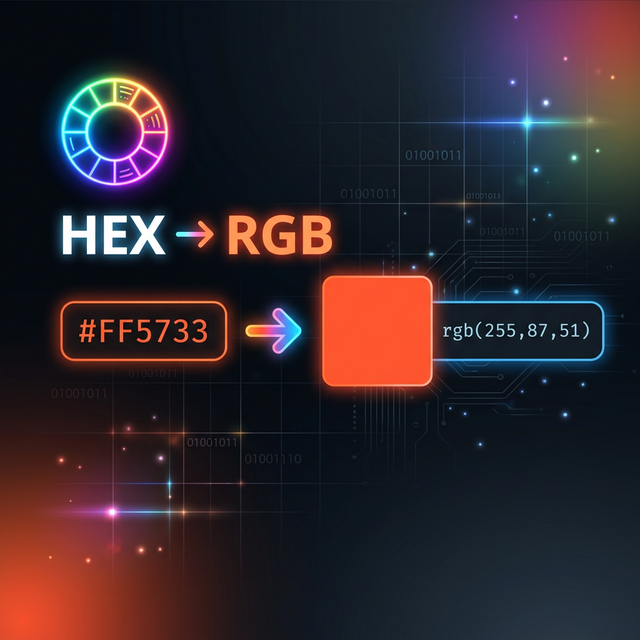
Colors on the web can be expressed in many formats — HEX, RGB, HSL, OKLCH, and more. Converting between these formats is a daily task for web developers and designers. This guide explains how HEX to RGB conversion works, covers all CSS color formats, and shows conversion code in JavaScript, Python, and C#.
Understanding Color Models
HEX (Hexadecimal)
A 6-digit hexadecimal representation of Red, Green, and Blue channels:
#FF5733
 ││││││
 ││││└┘── Blue:  0x33 = 51
 ││└┘──── Green: 0x57 = 87
 └┘────── Red:   0xFF = 255

Shorthand: #F00 = #FF0000 (Red)
With alpha: #FF573380 (50% opacity)HEX Format
RGB (Red, Green, Blue)
rgb(255, 87, 51)        /* integers 0-255 */
rgb(100% 34% 20%)      /* percentages */
rgb(255 87 51 / 0.5)   /* with alpha (CSS4) */
rgba(255, 87, 51, 0.5) /* legacy alpha syntax */RGB Format
HSL (Hue, Saturation, Lightness)
hsl(11, 100%, 60%)      /* More intuitive for designers */
hsl(11 100% 60% / 0.8) /* CSS4 syntax with alpha */

Hue:        0-360° on the color wheel (0=red, 120=green, 240=blue)
Saturation: 0% (gray) to 100% (full color)
Lightness:  0% (black) to 100% (white), 50% = pure colorHSL Format
HEX to RGB Conversion Formula
Each pair of hex digits maps to a decimal value from 0 to 255:
#FF5733
R = parseInt("FF", 16) = 255
G = parseInt("57", 16) = 87
B = parseInt("33", 16) = 51

Result: rgb(255, 87, 51)Conversion
Common Color Reference
Name         HEX        RGB               HSL
─────────────────────────────────────────────────────
White        #FFFFFF    rgb(255,255,255)  hsl(0,0%,100%)
Black        #000000    rgb(0,0,0)        hsl(0,0%,0%)
Red          #FF0000    rgb(255,0,0)      hsl(0,100%,50%)
Green        #00FF00    rgb(0,255,0)      hsl(120,100%,50%)
Blue         #0000FF    rgb(0,0,255)      hsl(240,100%,50%)
Coral        #FF7F50    rgb(255,127,80)   hsl(16,100%,66%)
Indigo       #6366F1    rgb(99,102,241)   hsl(239,84%,67%)
Emerald      #10B981    rgb(16,185,129)   hsl(160,84%,39%)Color Table
Conversion Code
JavaScript
// HEX → RGB
function hexToRgb(hex) {
    hex = hex.replace('#', '');
    if (hex.length === 3) hex = hex.split('').map(c => c + c).join('');
    return {
        r: parseInt(hex.slice(0, 2), 16),
        g: parseInt(hex.slice(2, 4), 16),
        b: parseInt(hex.slice(4, 6), 16)
    };
}
// hexToRgb("#FF5733") → { r: 255, g: 87, b: 51 }

// RGB → HEX
function rgbToHex(r, g, b) {
    return '#' + [r, g, b].map(v =>
        v.toString(16).padStart(2, '0')
    ).join('');
}
// rgbToHex(255, 87, 51) → "#ff5733"JavaScript
Python
# HEX → RGB
def hex_to_rgb(hex_color):
    hex_color = hex_color.lstrip('#')
    return tuple(int(hex_color[i:i+2], 16) for i in (0, 2, 4))
# hex_to_rgb("#FF5733") → (255, 87, 51)

# RGB → HEX
def rgb_to_hex(r, g, b):
    return f'#{r:02x}{g:02x}{b:02x}'
# rgb_to_hex(255, 87, 51) → "#ff5733"Python
CSS Usage
/* All these represent the same color: */
.element {
    color: #FF5733;
    color: rgb(255, 87, 51);
    color: hsl(11, 100%, 60%);
    color: oklch(0.63 0.22 29);  /* CSS Color Level 4 */
}

/* With transparency: */
.overlay {
    background: #FF573380;           /* HEX + alpha */
    background: rgb(255 87 51 / 50%);/* RGB with alpha */
    background: hsl(11 100% 60% / 0.5);
}CSSHEX — compact, great for design handoffs and CSS variables. RGB — best for programmatic color manipulation. HSL — most intuitive for creating color palettes (adjust hue/saturation independently). OKLCH — perceptually uniform, best for accessible design.
Try Color Converter
Convert between HEX, RGB, HSL, and OKLCH instantly with a live color preview. Free, no sign-up.
Open Color Converter →Conclusion
HEX to RGB conversion is a fundamental skill for web developers. Understanding how color models relate to each other helps you write better CSS, create accessible designs, and manipulate colors programmatically. Use Polymorpher's Color Converter for instant conversions with live preview, and check out the Code Beautifier for formatting your CSS with proper color values.