SHA-256 is the most widely used cryptographic hash function in the world — securing everything from Bitcoin blockchain to SSL certificates, Git commits, and password verification. In this guide, you'll learn how SHA-256 works, how it compares to MD5 and SHA-1, and how to generate SHA256 hashes in every major language.
What is SHA-256?
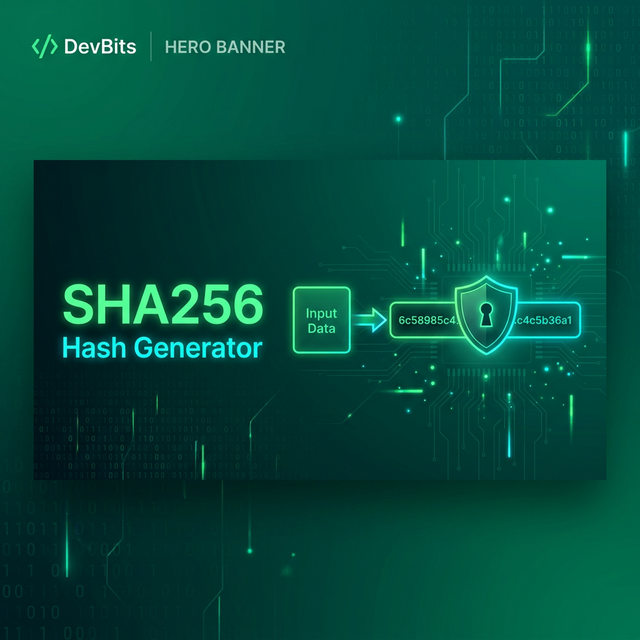
SHA-256 (Secure Hash Algorithm 256-bit) is part of the SHA-2 family, designed by the NSA and published by NIST in 2001. It takes any input — from a single character to an entire file — and produces a fixed 256-bit (64 hex character) hash:
Input:  "Hello, World!"
SHA256: dffd6021bb2bd5b0af676290809ec3a53191dd81c7f70a4b28688a362182986f

Input:  "Hello, World"  (one character removed!)
SHA256: 03675ac53ff9cd1535ccc7dfcdfa2c458c5218371f418dc136f2d19ac1fbe8a5

Input:  "" (empty string)
SHA256: e3b0c44298fc1c149afbf4c8996fb92427ae41e4649b934ca495991b7852b855SHA256 ExamplesNotice how removing a single character completely changes the hash? This is the avalanche effect — a key property of good hash functions. Any tiny change in input produces a completely different output.
SHA256 vs MD5 vs SHA-1
Algorithm   Output Size   Speed     Status         Use Case
──────────────────────────────────────────────────────────────
MD5         128 bit       Fastest   ❌ BROKEN       File checksums only
SHA-1       160 bit       Fast      ⚠️ Deprecated   Legacy systems
SHA-256     256 bit       Fast      ✅ Secure       General purpose
SHA-384     384 bit       Fast      ✅ Secure       High security
SHA-512     512 bit       Fast      ✅ Secure       High security
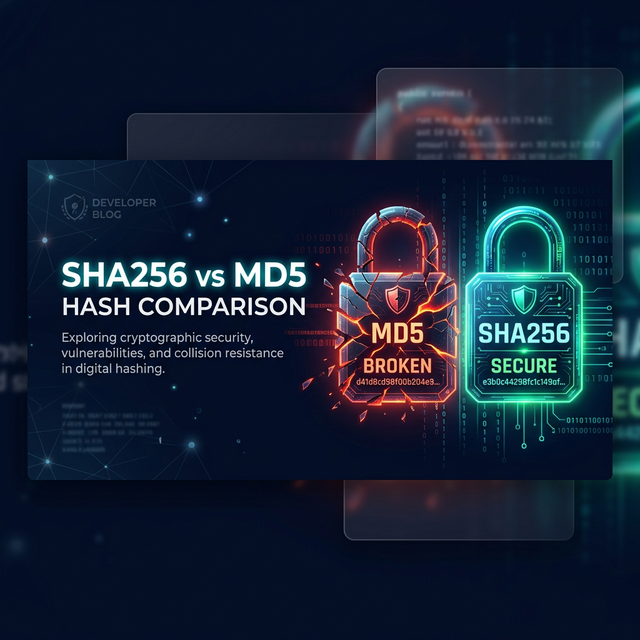
SHA-3 Variable Slower ✅ Secure Future-proofingAlgorithm ComparisonMD5 has known collision attacks — two different inputs can produce the same hash. In 2017, Google demonstrated a practical SHA-1 collision. Use SHA-256 or better for any security-sensitive purpose. Read more in our SHA256 vs MD5 comparison.
Common Use Cases for SHA-256
- File integrity verification — verify downloaded files haven't been tampered with
- Digital signatures — SSL/TLS certificates use SHA-256 for signing
- Git commits — Git uses SHA-1 (migrating to SHA-256) for object IDs
- Blockchain — Bitcoin mining involves SHA-256 double-hashing
- Password verification — store hashed passwords (use bcrypt/Argon2 with salts!)
- HMAC authentication — API request signing (AWS Signature V4, webhooks)
- Data deduplication — identify identical files without comparing content
Code Examples
JavaScript (Browser & Node.js)
// Browser — Web Crypto API
async function sha256(text) {
    const data = new TextEncoder().encode(text);
    const hash = await crypto.subtle.digest('SHA-256', data);
    return Array.from(new Uint8Array(hash))
        .map(b => b.toString(16).padStart(2, '0'))
        .join('');
}

const hash = await sha256("Hello, World!");
// "dffd6021bb2bd5b0af676290809ec3a53191dd81c7f70a4b28688a362182986f"

// Node.js
const crypto = require('crypto');
const hash = crypto.createHash('sha256')
    .update('Hello, World!').digest('hex');JavaScript
Python
import hashlib

# SHA-256
hash = hashlib.sha256(b"Hello, World!").hexdigest()
# "dffd6021bb2bd5b0af676290809ec3a53191dd81..."

# HMAC-SHA256
import hmac
signature = hmac.new(
    b"secret-key",
    b"message",
    hashlib.sha256
).hexdigest()

# Hash a file
def hash_file(path):
    sha = hashlib.sha256()
    with open(path, 'rb') as f:
        while chunk := f.read(8192):
            sha.update(chunk)
    return sha.hexdigest()Python
C# / .NET
using System.Security.Cryptography;
using System.Text;

// SHA-256
string text = "Hello, World!";
byte[] bytes = SHA256.HashData(Encoding.UTF8.GetBytes(text));
string hash = Convert.ToHexStringLower(bytes);
// "dffd6021bb2bd5b0af676290809ec3a53191dd81..."

// HMAC-SHA256
byte[] key = Encoding.UTF8.GetBytes("secret-key");
byte[] message = Encoding.UTF8.GetBytes("message");
byte[] hmac = HMACSHA256.HashData(key, message);
string signature = Convert.ToHexStringLower(hmac);C#
Command Line
# Linux/macOS
echo -n "Hello, World!" | sha256sum
# dffd6021bb2bd5b0af676290809ec3a5...

# Hash a file
sha256sum myfile.zip

# Windows PowerShell
Get-FileHash -Algorithm SHA256 myfile.zip

# OpenSSL
echo -n "Hello, World!" | openssl dgst -sha256Bash
HMAC-SHA256: Message Authentication
HMAC (Hash-based Message Authentication Code) combines a secret key with SHA-256 to create authenticated hashes. This is used for:
- API authentication — AWS Signature V4, Stripe webhooks
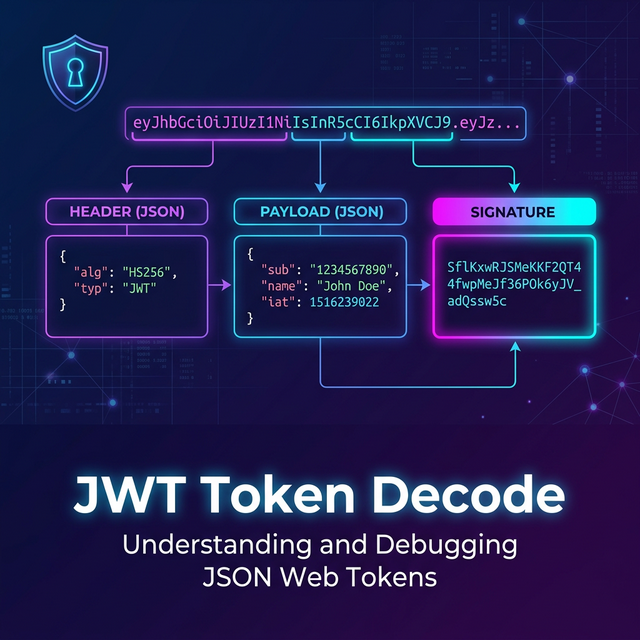
- JWT signatures — HS256 algorithm uses HMAC-SHA256
- Webhook verification — GitHub, Slack, and Shopify webhook signing
Try Hash Generator
Generate MD5, SHA-1, SHA-256, SHA-512, and HMAC hashes instantly. Free, stateless, no data leaves your browser.
Open Hash Generator →Conclusion
SHA-256 is the go-to hash function for security, data integrity, and authentication in modern software. Whether you need file checksums, API authentication with HMAC, or understanding blockchain mechanics — SHA-256 is fundamental. Use Polymorpher's Hash Generator for instant hash generation, and explore our SHA256 vs MD5 comparison to understand why SHA-256 replaced MD5. For JWT-related hashing, check out the JWT Decoder.