Base64 is one of those encoding schemes that shows up everywhere — in emails, APIs, data URIs, JWT tokens, and configuration files. But what exactly is Base64, and when should you use it? This guide breaks down Base64 encoding with clear explanations and practical examples.
What is Base64?
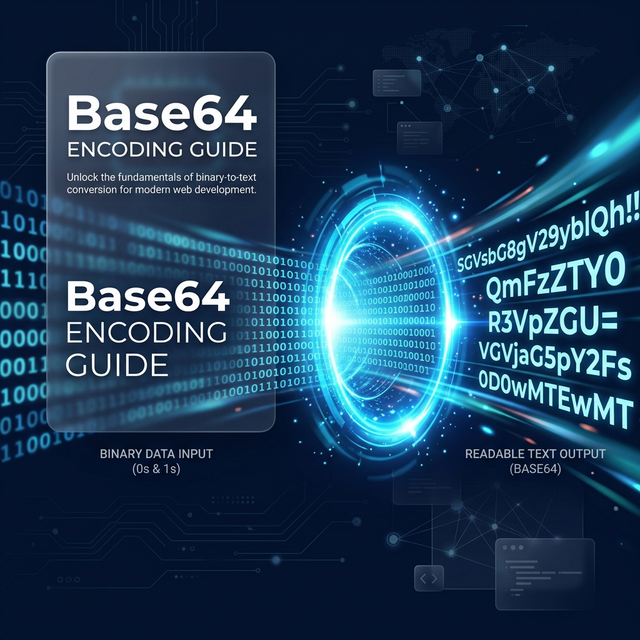
Base64 is a binary-to-text encoding scheme that represents binary data as ASCII text. It works by converting every 3 bytes (24 bits) of binary data into 4 characters from a 64-character alphabet:
A–Z  (indices 0–25)
a–z  (indices 26–51)
0–9  (indices 52–61)
+    (index 62)
/    (index 63)
=    (padding character)Base64 Alphabet
Example:
Input (text):    "Hi!"
Input (binary):  01001000 01101001 00100001
Base64 groups:   010010 000110 100100 100001
Base64 chars:    S       G       k       h
Result: "SGkh"Encoding ProcessBase64 encoding increases data size by approximately 33%. Every 3 bytes of input becomes 4 bytes of output. This is the trade-off for text-safe representation.
When to Use Base64
1. Data URIs in HTML/CSS
Embed small images or fonts directly in HTML/CSS to eliminate extra HTTP requests:
<img src="data:image/png;base64,iVBORw0KGgo..." />

/* CSS */
.icon {
    background-image: url(data:image/svg+xml;base64,PHN2Zy...);
}HTML / CSS
Best for images under 10KB — larger files should be served as regular URLs for caching benefits.
2. API Authentication (HTTP Basic Auth)
Basic authentication encodes username:password in Base64:
// "admin:secret123" → Base64
Authorization: Basic YWRtaW46c2VjcmV0MTIzHTTPBase64 provides zero security. It's trivially reversible — anyone can decode it. Always use HTTPS when sending Base64-encoded credentials, and prefer token-based auth (JWT) over Basic Auth.
3. Email Attachments (MIME)
Email protocols (SMTP) were designed for 7-bit ASCII text. Binary attachments (PDFs, images, ZIP files) are Base64-encoded to safely travel through email infrastructure:
Content-Type: application/pdf
Content-Transfer-Encoding: base64

JVBERi0xLjQKMSAwIG9iago8PCAvVHlwZSAvQ2F0YW
xvZyAvUGFnZXMgMiAwIFIgPj4KZW5kb2JqCjIgMCAg...MIME
4. JWT Token Payloads
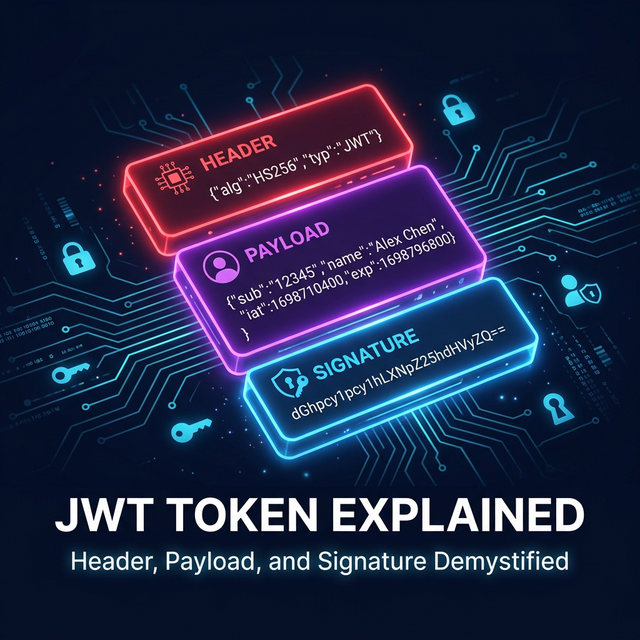
JWT tokens use Base64URL (a URL-safe variant) to encode the header and payload:
// Base64URL replaces + with - and / with _
// Also removes padding (=) characters

// Standard Base64: "SGVsbG8sIFdvcmxkIQ=="
// Base64URL:        "SGVsbG8sIFdvcmxkIQ"Base64URL
Learn more about JWT structure in our JWT Tokens Guide.
5. Storing Binary Data in JSON/XML
When you need to embed binary data (images, files, cryptographic keys) in text-based formats:
{
  "fileName": "document.pdf",
  "fileContent": "JVBERi0xLjQKMSAw...",
  "sha256": "a3f2b8c..."
}JSON
Code Examples
C# — Encode and Decode
using System;
using System.Text;

// Encode
string text = "Hello, World!";
string encoded = Convert.ToBase64String(
    Encoding.UTF8.GetBytes(text)
);
// Result: "SGVsbG8sIFdvcmxkIQ=="

// Decode
string decoded = Encoding.UTF8.GetString(
    Convert.FromBase64String(encoded)
);
// Result: "Hello, World!"C#
JavaScript — Browser & Node.js
// Browser
const encoded = btoa("Hello, World!");
// "SGVsbG8sIFdvcmxkIQ=="

const decoded = atob(encoded);
// "Hello, World!"

// Node.js
const buf = Buffer.from("Hello, World!", "utf-8");
const base64 = buf.toString("base64");
const original = Buffer.from(base64, "base64")
    .toString("utf-8");JavaScript
Python
import base64

# Encode
encoded = base64.b64encode(b"Hello, World!")
# b'SGVsbG8sIFdvcmxkIQ=='

# Decode
decoded = base64.b64decode(encoded)
# b'Hello, World!'Python
When NOT to Use Base64
- Large files — the 33% overhead wastes bandwidth. Serve files as binary with proper Content-Type headers
- Security/encryption — Base64 is not security. Use AES, RSA, or other encryption algorithms
- Password storage — use proper hashing (SHA256, bcrypt) instead
- Database storage — store binary data in BLOB/BYTEA columns, not as Base64 text
Try Base64 Encoder / Decoder
Encode or decode Base64 strings instantly. Free, stateless, no sign-up.
Open Base64 Tool →Conclusion
Base64 is a simple but essential encoding for bridging binary and text worlds. It's perfect for data URIs, email attachments, JWT tokens, and API payloads — but remember it's not encryption and comes with a size overhead.
Use Polymorpher's free Base64 tool for instant encoding and decoding. For URL-safe encoding needs, check out the URL Encoder, and for JWT debugging, try the JWT Decoder.